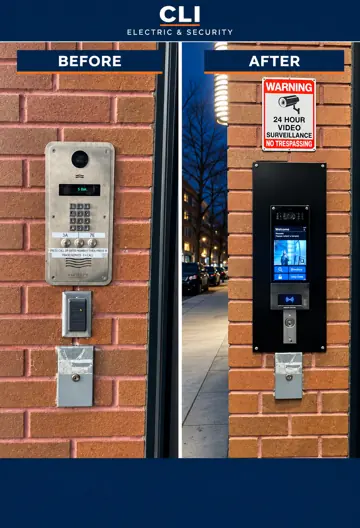
Before & afterIntercom upgrade
The buzzer fails. Deliveries get missed. Residents let someone in without seeing who’s there. Give your building an entry system that makes everyday access easier—with video intercoms, access control, and installation from CLI.
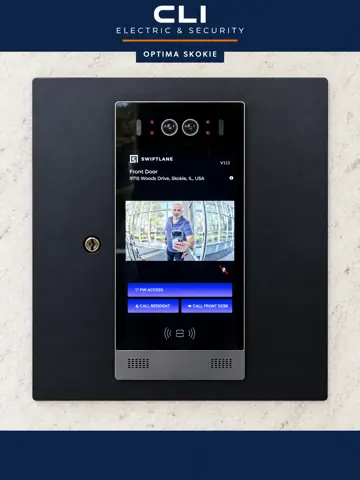
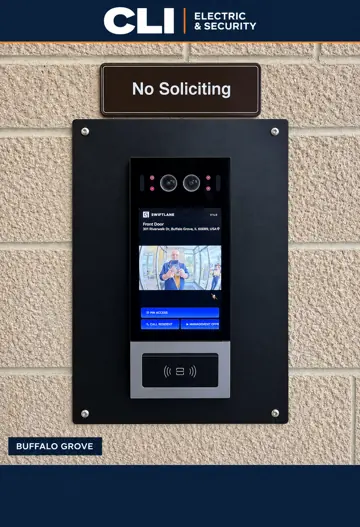
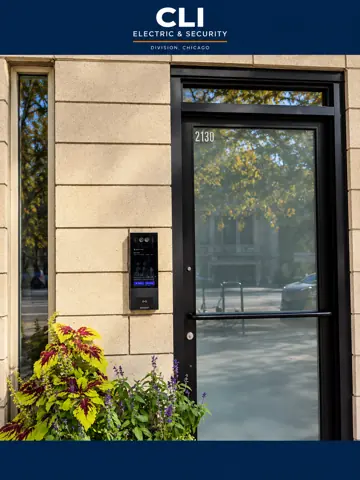
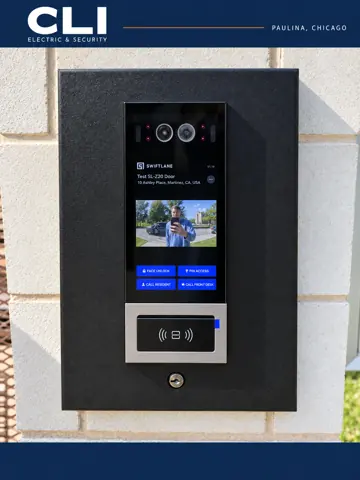
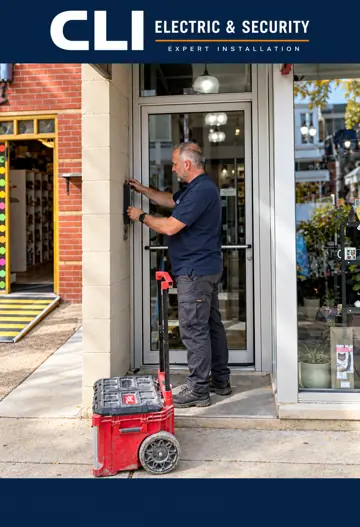
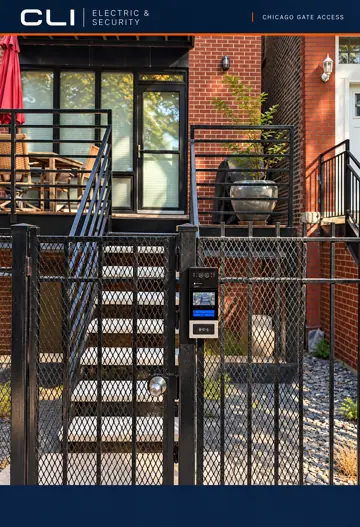
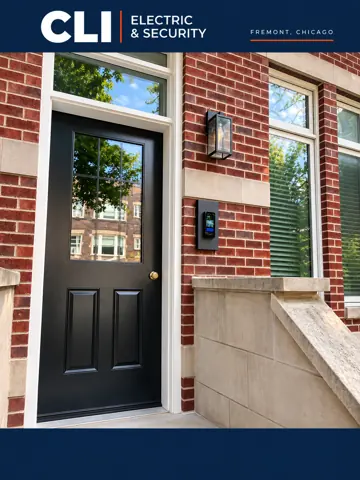
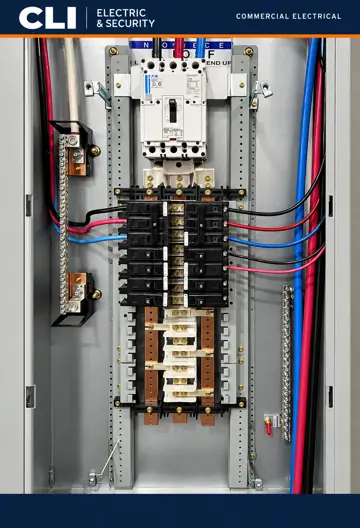
Chicago-area installations · Photos enhanced for presentation.
A dead buzzer rarely stays a maintenance issue. It becomes a resident complaint, a missed delivery, and another call you have to handle.
You arrange a repair. It works for a while. Then the calls start over. Before paying for another patch, find out what an upgrade would actually involve.
An audio-only call leaves residents making a decision with half the picture. Video calling lets them see the visitor before choosing to unlock the door.
Residents move. Staff change. Keys and fobs get passed around. Electronic access gives your building a more manageable way to decide who can enter.
The goal is simple: fewer entry headaches for residents and a clearer way to manage access for the people responsible for the building.
Existing wiring, internet, door hardware, and mounting all affect the right solution. We start there, along with what keeps going wrong.
Compare the equipment, installation scope, and any ongoing software costs. Know what you’re choosing before you commit.
The intercom is only part of the job. The reader, lock, power, and wiring need to work together. CLI brings electrical and entry installation into the same conversation.
One entrance may need a new intercom. Another needs door hardware, wiring, or power work too. Build the scope around the problem you need solved.
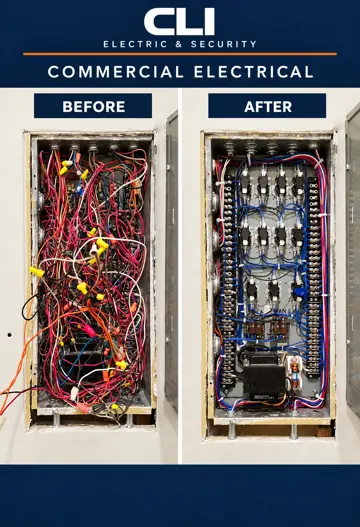
Power distribution, lighting, tenant improvements, circuits and electrical infrastructure built for busy buildings.
Explore electrical ↗See who is calling before opening the door. Explore video calling and remote entry options suited to your residents and your building.
Plan an intercom project ↗Give the right people access—and update it when things change. Readers, credentials, controllers, and door hardware planned as one system.
Secure an entrance ↗Cameras, network cabling, low-voltage infrastructure and smart-building systems—designed to connect.
Discuss security systems ↗Tell us what fails, who uses the entrance, and what you want to change. Start with the problem—you don’t need a parts list.